

Integrate. Automate.
Accelerate.
Bring supported ad platforms and commerce tracking into ClickPattern. Review the connections available in your account, connect eligible platforms, and follow performance from click to conversion.
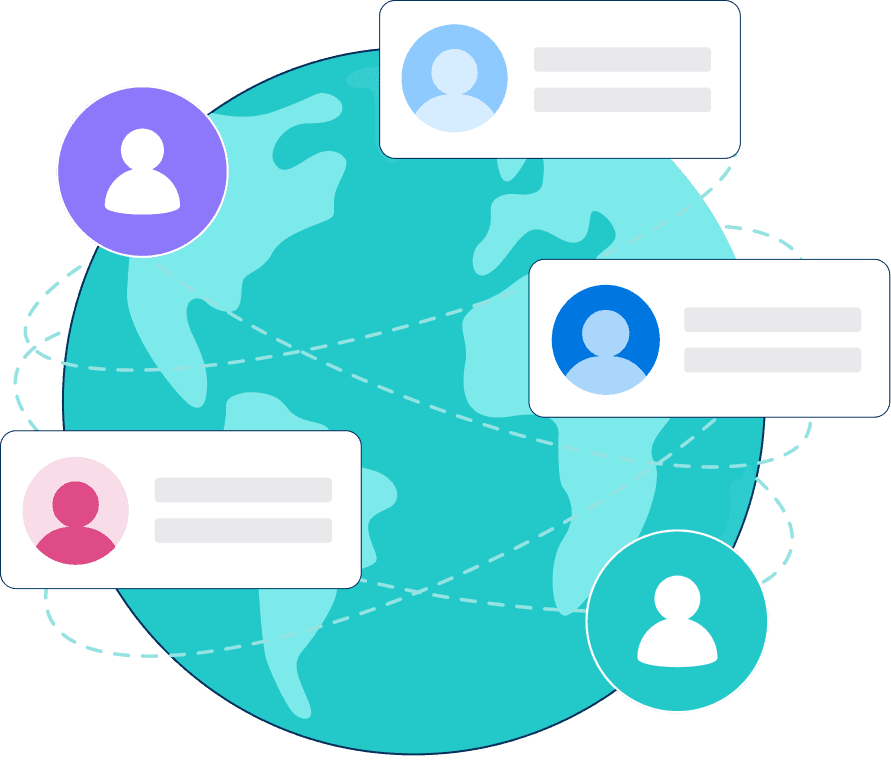
Unified Performance Starts Here
Bring campaign performance, supported ad-spend data, and tracked conversions into one place. Available data and actions depend on the platform, account access, and integration setup.





Commerce Integrations That Power Revenue
Connect your Shopify store to receive order events. Other carts and checkouts require their own setup: where supported by your checkout, use ClickPattern's tracking pixel or a server-to-server postback to report conversions.
Supported eCommerce Integrations
Review recorded conversions alongside advertising costs in your dashboard. The data available depends on your connected integration and tracking setup.
Rule-Based Automation and API Intelligence
ClickPattern isn't just a connector, it's an automation engine. Our APIs ensure live data exchange between your traffic sources and your store, while built-in automation rules handle optimization on the fly.
Create custom "If / Then" triggers:
Rules evaluate the reporting data available to ClickPattern; platform sync delays can affect when a condition is met.
Benefits That Drive Growth

All-in-One View
Track every ad, sale, and conversion in one dashboard

Accurate Data
Review sync status alongside your reports

Smarter Decisions
Understand which ads generate true profit

Guided Setup
Follow the setup for each available integration

Automation Built-In
Focus on strategy, not maintenance

Scalable
Works for affiliates, agencies, and eCommerce brands alike
Designed for Performance Marketers
ClickPattern empowers teams to focus on growth instead of spreadsheets. Our customers use it to manage hundreds of campaigns, across multiple platforms, with unmatched accuracy.
40%
faster optimization
60%
reduction in reporting time
100%
automated campaign syncing

Farrukh, Farrukhi Tech
ClickPattern has completely changed how we manage data. Everything we need is in one place, accurate, automated, and instantly actionable.
Get Connected Today
Bring every campaign, sale, and revenue stream together under one pattern. With ClickPattern, you don't just integrate platforms - you unlock the full potential of your data.
Frequently Ask Questions
ClickPattern has integrations for ad platforms such as Meta, Google Ads and Microsoft Ads, and a Shopify connection for order events. Check the Integrations screen in your account for the connections available to you. Other carts require a tracking pixel or server-to-server postback setup where supported by the checkout; they are not managed commerce integrations.
Create rules with conditions and actions such as pausing a campaign or sending an alert. Available actions depend on the connected platform and target. Rules evaluate the reporting data available to ClickPattern, so sync delays can affect when a condition is met.
Setup varies by integration. Some connections use an authorization flow; others need API credentials or tracking configuration. Follow the instructions for the integration available in your account. A custom pixel or postback setup may require help from your developer or checkout provider.
Timing depends on the platform, sync configuration and provider availability. Ad data is fetched on scheduled syncs; connected Shopify stores send order events through webhooks. Reporting can be delayed by provider processing, retries or outages. Check integration status when reviewing data freshness.
Connections require the authorization or credentials specified by each integration. Review the permissions requested by the provider and keep API credentials private. See our Privacy Policy for details about data processing and service providers.