

Collaborate with Multi User Management
Collaborate seamlessly with your team. Control access, manage permissions, and keep everyone working together with enterprise-grade user management built for marketing teams.
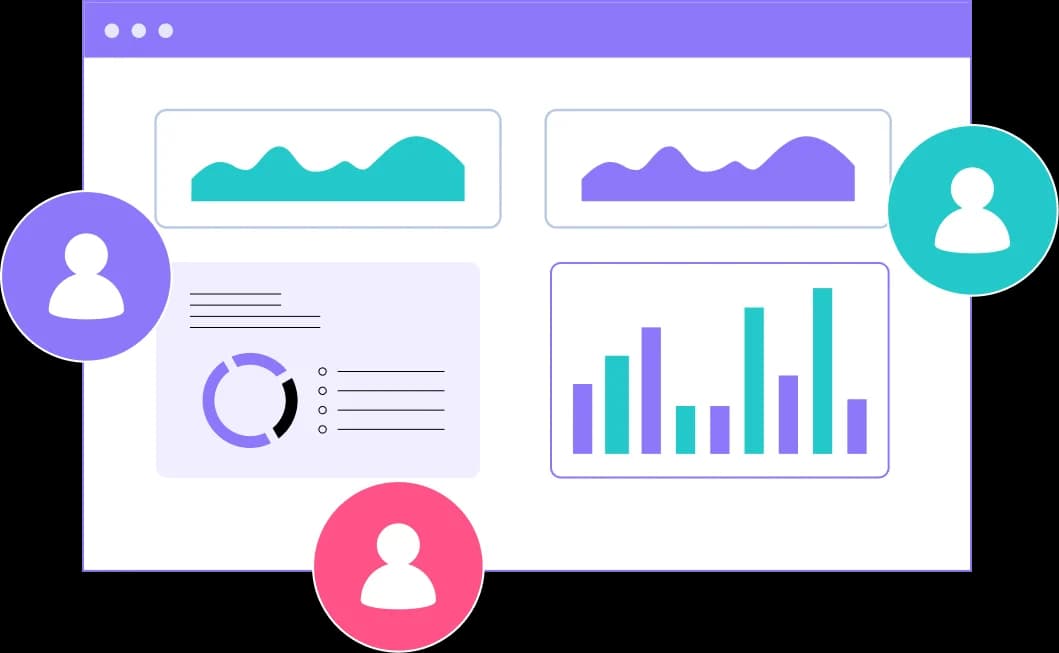
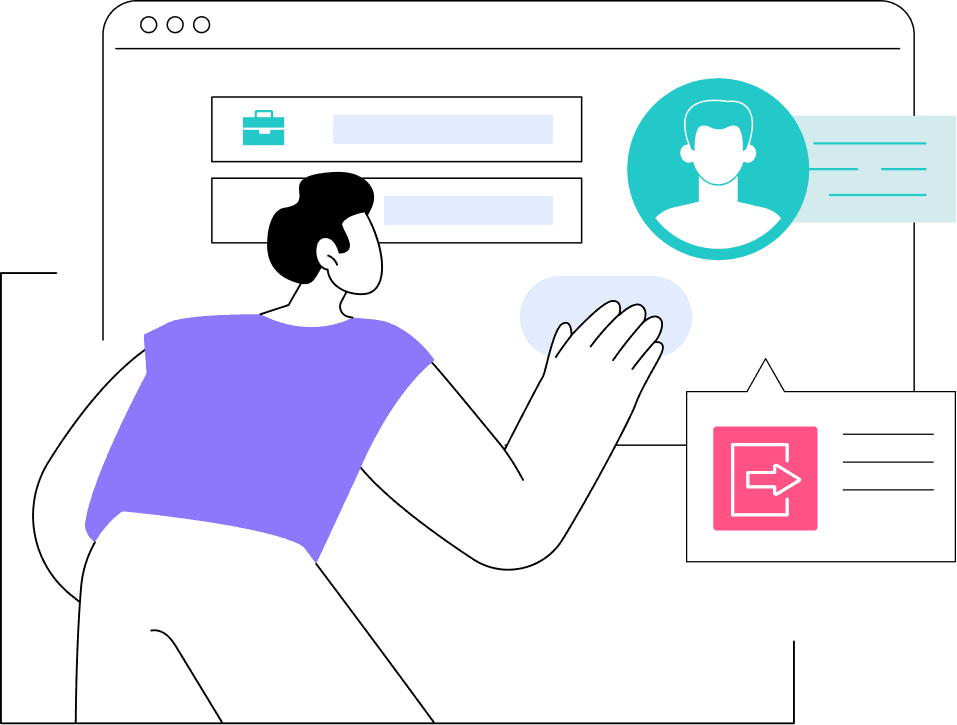
Centralized User Management for Growing Teams
As your marketing team grows, so do your collaboration needs. ClickPattern makes it easy to invite team members, assign roles, and control what each person can access - all from one central dashboard.
- Role-Based Access: Assign Admin, Manager, or Viewer roles with granular permissions
- Team Collaboration: Share dashboards, reports, and insights across your organization
- Activity Tracking: Monitor who made changes and when for full accountability
How It Works
Team Collaboration Made Simple
From inviting team members to managing permissions, ClickPattern makes collaboration effortless and secure.
Invite Team Members
Send email invitations directly from ClickPattern. Team members receive secure access links to join your workspace instantly.
Assign Roles & Permissions
Set roles like Admin, Manager, or Viewer. Control access to campaigns, budgets, and sensitive data with granular permissions.
Collaborate in Real-Time
Team members work together seamlessly. Share dashboards, add comments, and collaborate on campaign strategies in real-time.
Track & Audit Activity
Monitor who made changes and when. Full audit logs ensure accountability and help maintain security compliance.
Why ClickPattern's Multi-User Management
Enterprise-grade collaboration features designed specifically for marketing teams who need to work together effectively.
Granular Permission Control
Define exactly what each team member can access and modify. Protect sensitive data while enabling collaboration across your organization.
Team Communication
Built-in commenting and notes keep conversations in context. Discuss campaign performance without endless email threads.
Client Access Management
Create view-only access for clients. Share performance dashboards and reports without exposing sensitive account settings or budgets.
Complete Audit Trails
Every action is logged with timestamps and user details. Track who changed budgets, paused campaigns, or modified settings for full accountability.
Workspace Organization
Create multiple workspaces for different teams, clients, or brands. Keep everything organized and separated while managing from one account.
Enterprise Security
SSO integration, two-factor authentication, and IP whitelisting ensure your data stays secure even with large distributed teams.
45+
Team Members
28
Client Accounts
60%
Faster Onboarding
Zero
Data Breaches
Real Example:
How a Growing Agency
Scaled from 8 to 45 Team Members
A performance marketing agency was rapidly expanding but struggled with access control. Junior analysts accidentally modified campaign budgets, clients demanded real-time visibility, and onboarding new hires took weeks of manual permission setup across multiple platforms.
With ClickPattern's multi-user management, they created custom roles for strategists, analysts, and clients, each with precise permissions. New team members now onboard in hours, not weeks. Clients access dedicated dashboards without seeing sensitive data, and every action is logged for complete accountability. The agency scaled from 8 to 45 people while managing 28 client accounts seamlessly.
Scale Your Team
Without Losing Control
Empower your team with secure, role-based access management.
Frequently Asked Questions
User Management allows organizations to control who can access the platform, assign roles, and set permissions. It ensures teams collaborate efficiently, maintain accountability, and protect sensitive data while scaling operations securely and systematically.
It ensures smooth collaboration by defining roles, controlling access, and tracking activity. Teams can prevent errors, secure sensitive data, and maintain transparency across projects, making it easier to manage large organizations and distributed teams efficiently.
Admins can create or select predefined roles in the dashboard, assign them to individual users or teams, and update permissions instantly. This flexible approach ensures each user has the right access without compromising security or workflow efficiency.
All actions are encrypted and logged. Admins can monitor activity, adjust permissions instantly, and revoke access when needed. This ensures unauthorized users cannot access sensitive data, maintaining full control and compliance across the organization.
User Management scales with your organization. Teams can add unlimited users, create custom roles, and update permissions in real time, enabling smooth collaboration, accountability, and secure access as teams expand or responsibilities evolve.